
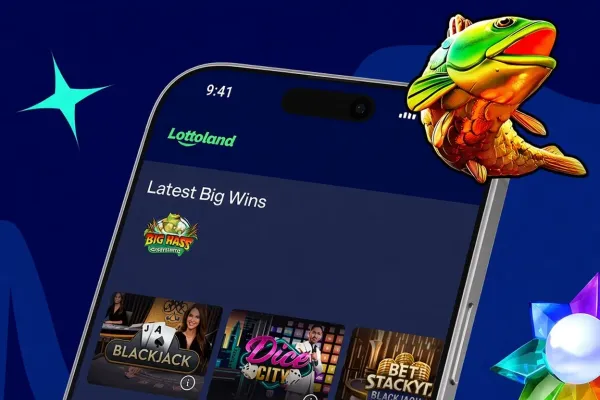
Lottoland mobile is available in three ways: the mobile site in your phone's browser, an iPhone app and an Android app. The browser version is the simplest route because it needs no download and no storage space. This page focuses on that version and explains how the apps fit alongside it.
Your account is the same however you get in. If you already have one, log in from your phone. If you are new, sign up on the phone itself.
What you can do on Lottoland from your phone

The mobile site lets you open Lottoland in Safari, Chrome or whichever browser you normally use, without installing anything. You reach the same casino you would see on a computer, shown on a smaller screen. If you want a shortcut, your browser's Add to Home Screen option puts one on your phone, as shown in the steps above.
The main difference from a desktop is the screen. Text is smaller, tables are narrower and you scroll more. That matters most when you are reading terms. Before you confirm a deposit or opt into anything, open the full conditions and read them to the end, rather than relying on a short summary. If a page is hard to read in portrait, turn the phone sideways.
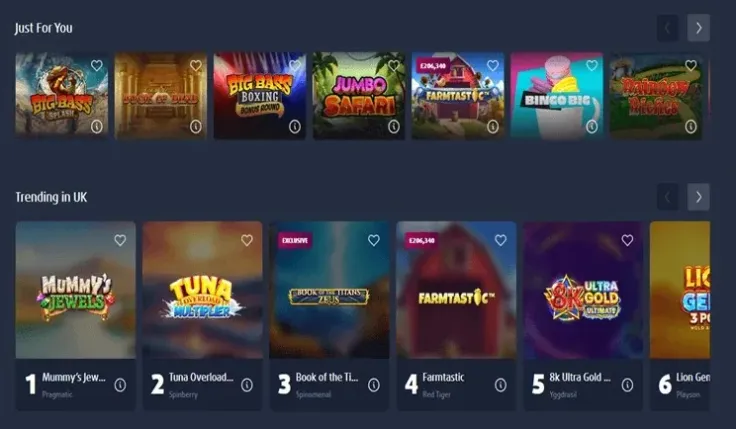
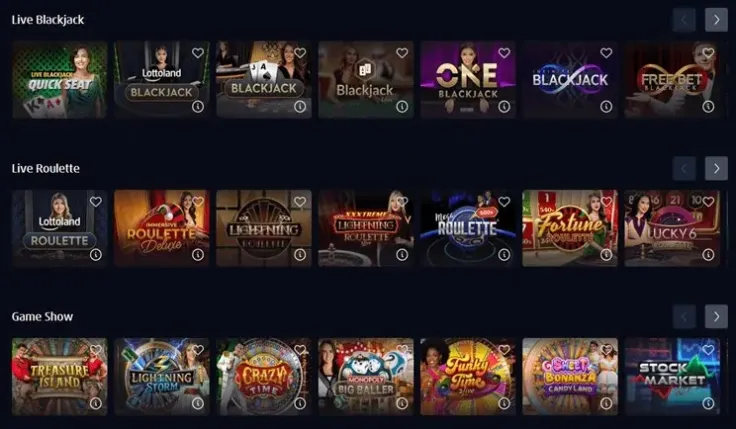
Game choice is covered on the games page. The slots and live casino pages show what each section offers. Whichever you play on your phone, the rules of the game do not change with the device. A slot's paytable, features, RTP and volatility are the same whether you open it on a phone or a laptop. Online slots in the UK also follow the Gambling Commission's minimum spin time and its stake limit per spin, which is lower for players under 25. Those limits apply on every device.
It is worth checking the paytable and the rules screen of any game before you start, because a small screen makes it easy to tap through without reading. Live games stream video, so they depend more on a steady connection than a slot does.
Payments follow the same logic. The deposits and withdrawals pages explain the methods and conditions, and they apply to your account rather than to the device you use. If you want to know what happens after you request a payout, read that page before you start, not after.
Apps for iPhone and Android, or no install at all

Lottoland has both an iPhone app and an Android app. You can use either, or neither: the browser version needs no installation and is the quickest way to start on a new phone. The App page gives the overview, with details for iPhone and Android on their own pages.
If you choose to install an app, use your phone's app store only. On an iPhone that means the App Store. Search for the casino by name there, check that the listing matches the brand you expect, and only then install. Do not install a file that arrives in a message, an email, a pop-up or a link on a third-party site. Those are the usual routes for fake apps, and a genuine casino app does not need them.
If you are not sure whether a listing is genuine, close the store and use the button on this page to go to the casino itself: visit Lottoland. The mobile site in your browser is always there as a fallback, and nothing is lost by choosing it.
A few points to weigh when choosing between the browser and an app:
- The browser version takes up no storage and works on any phone with a current browser.
- An app adds an icon and may suit you if you open the casino often. It also means one more piece of software to keep updated.
- Add to Home Screen gives you a shortcut without installing an app.
- Whichever route you pick, the login details are the same, so you can switch later.
Practical points on a phone
Treat the phone as the key to your account. Set a screen passcode or biometric lock, and do not hand the unlocked phone to someone else while Lottoland is open. If your browser offers to save your password, think about whether you want that on a phone that others may pick up. Log out when you have finished, particularly on a shared or borrowed device. If you lose your phone, change your Lottoland password from another device straight away.
Public Wi-Fi in cafés, stations or hotels is a weak spot. Avoid logging in or making a payment on a network you do not trust. Your own mobile data connection is generally the safer choice when you are out. Live video and long sessions use more data than browsing, so keep an eye on your allowance if your plan is limited.
Decide on your time and spending limits before you start, rather than during a session. UK-licensed operators must offer deposit limits, time-outs and self-exclusion. If you want to block all UK-licensed online operators at once, GAMSTOP does that. The safer gambling page explains the options in more detail.
If you are asked to verify your age or identity, the verification page explains what the process involves.