

What Lottoland offers on mobile
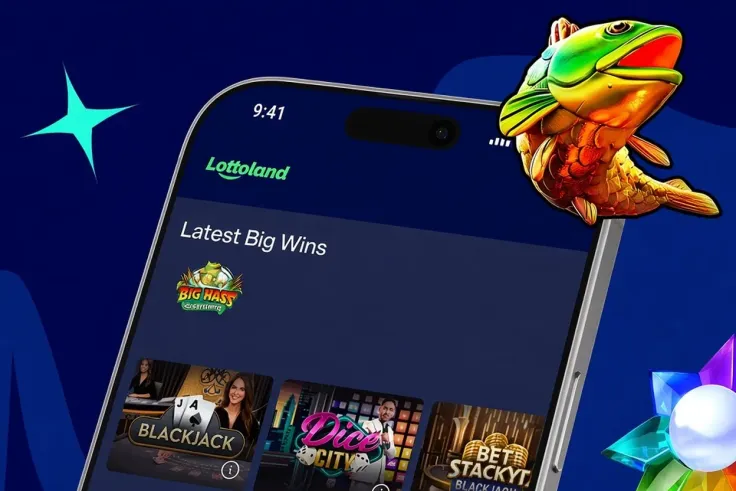
Lottoland is run by EU Lotto Limited, which holds a UK Gambling Commission licence, number 038991-R-319408-020. You can check it on the Gambling Commission register. Whichever route you use, you are playing at the same licensed brand, and the same account details apply.
The two apps are the iPhone app and the Android app. Each has its own page, because installing and updating differ between the two types of phone. The mobile version is the browser route: you open the site on your phone as you would any other website.
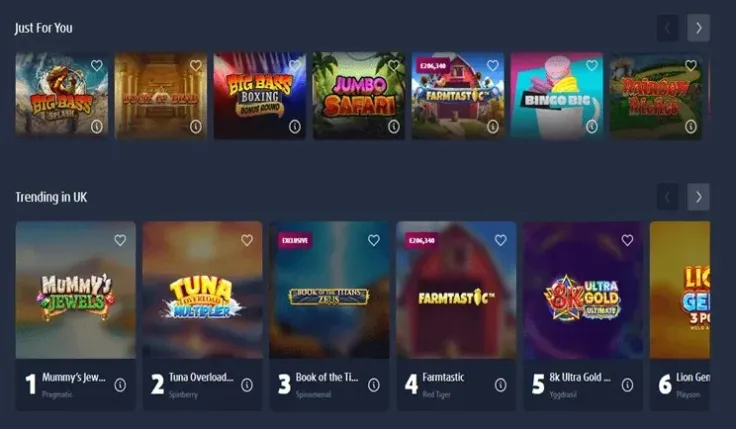
The games you can reach on a phone come from 26 providers, including NetEnt, Nolimit City, Microgaming, Play'n GO, Evolution, Pragmatic Play, Quickspin, Yggdrasil, Red Tiger, Playson, Eyecon, Spinomenal, Realistic Games, Relax Gaming, Inspired Gaming, Hacksaw Gaming, G Games and Gaming Corps. That covers slots and other games, and Lottoland also has a live casino with Evolution among its studios. If you are after a particular title, open the relevant game page first and read how it plays before you launch it.
Account tasks sit alongside the games. You can log in, make a deposit and request a withdrawal from a phone. The pages linked here describe each step, so you do not need to work it out as you go.
The welcome offer is Deposit and Stake £20 to Get 100 Free Spins!. It needs a minimum deposit of £20, has no wagering and is valid for 30 days. The spins are for Fishin' Frenzy Even Bigger Fish. The welcome bonus page has the full conditions. T&Cs apply.
iPhone app, Android app or mobile site
The practical difference between the apps and the mobile site is where the casino lives on your phone. An app is installed on the device and opens from your home screen. The mobile site is a web page you reach through a browser, and nothing is stored on the phone beyond what the browser keeps.
The iPhone and Android apps
The two apps suit you if you open the casino regularly and want it a tap away. They are built for different systems, so the install steps, update routine and device requirements are not the same. That is why each has a separate page: use the one that matches your phone and ignore the other.
An installed app also takes up storage and needs updating from time to time. If your phone is short of space, or you prefer to keep few apps, that is a point against.
The mobile site
The mobile version suits you if you play now and then, share a device, or use a phone the apps do not support. There is nothing to download or update, and you can stop using it by simply closing the browser tab.
The trade-off is convenience: you open the site through the browser each time rather than from an icon. If you want the quicker route, you can bookmark the page, but be careful on a shared device, where anyone who opens the browser could reach the site.
How the sections differ from the rest of the site
This section is about the way you reach Lottoland, not about what you play. For offers, the bonuses section covers conditions in detail. For games, the games and slots pages explain how each title pays. Nothing in the app route changes the terms of an offer, so read the conditions on the offer's own page whichever way you play.
18+ · T&Cs apply
Where to start
Begin with the device in your hand. On an iPhone, the iPhone app page is the natural start; on an Android phone, use the Android app page. Both cover the app for that system and nothing else, so you will not be reading about the wrong phone.
Then ask how often you expect to use Lottoland. If it is a regular part of your week, an app is easier to reach. If you are only having a look, or are not sure you want an account, the mobile version lets you see the casino without installing anything. You can always move to an app later.
A few other points are worth weighing:
- Free storage on your phone, since an app takes space and updates.
- Whether anyone else uses the phone and could open the app or browser.
- Whether you want an account first. If you do not have one, the sign-up page walks you through it, and you can log in afterwards on whichever route you choose.
- Which payment method you plan to use, as covered below.
Before you deposit from your phone
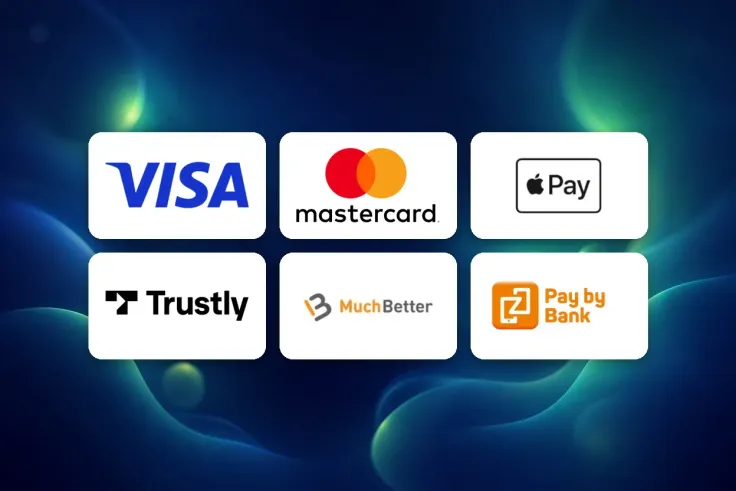
Check the payment options first. Lottoland accepts Visa debit, Mastercard debit, Bank transfer, Trustly and MuchBetter. For card payments, use a debit card, because credit cards cannot be used for gambling in Great Britain. The minimum deposit is £1, but a welcome offer may need more, so check its own minimum before you pay in. T&Cs apply.
Look at the withdrawal route too. Withdrawals take ~24 hours processing, then several days to reach account. The withdrawals page explains the steps, and the verification page covers the identity checks that apply to your account.
Because your phone is always with you, set your own limits before you start. Deposit limits and time-outs can be set at Lottoland, and the safer gambling page explains how. GAMSTOP covers all UK-licensed online casinos if you want to block access altogether.
A few habits keep your account secure on a phone:
- Lock your phone with a passcode, so nobody else can open the app or the browser.
- Avoid logging in over public Wi-Fi.
- Reach Lottoland through the visit Lottoland link or your own saved bookmark, rather than a link in a message.
- Keep the phone's system and the app up to date.
If something goes wrong, Lottoland support is available 24/7 (live chat, first AI bot Lopetto), and you can also email. The contact page lists the routes. For a wider set of questions on payments, licensing and accounts, see the FAQ.