
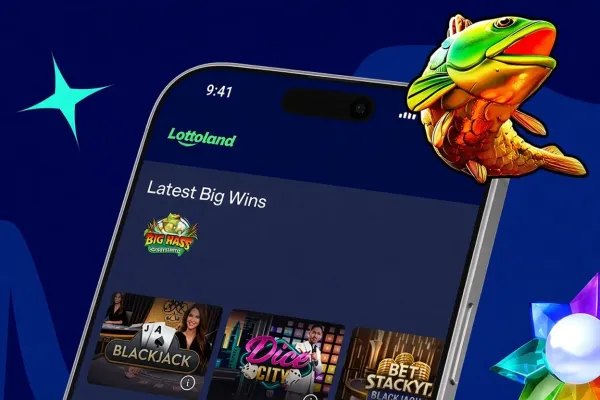
The Lottoland app is available for Android phones, and it is one of three ways to play Lottoland on a phone, alongside the iPhone app and the mobile version. This page explains what the Android app offers, how to get it, and what to check on your phone before you play.
What you can do on an Android phone
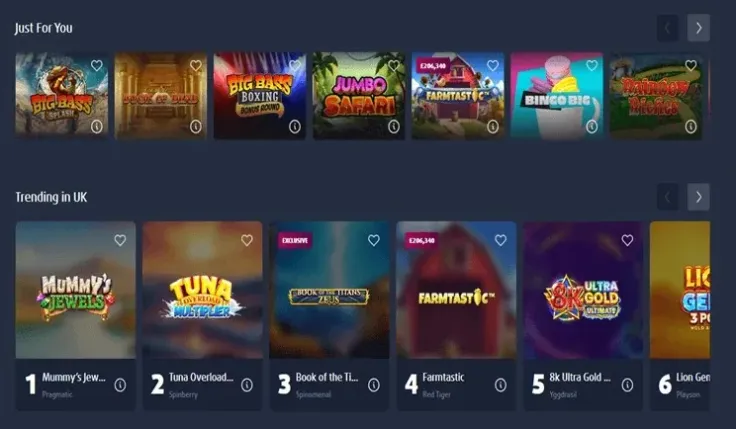
Touch screens suit most casino games, but a phone has far less room than a desktop monitor. Reels, cards and buttons take up less space, so it helps to turn the phone sideways for a wider view of a slot or a table. Check the layout at the start of a session, because a small screen makes it easier to press the wrong button by accident.
Slot results are random, and each game's rules set how it pays. The paytable shows the symbols, what they pay and how wins are made. The RTP is the percentage a game returns to players over a very large number of spins, not a promise about any single session. Volatility describes how often wins come and how large they tend to be. The maximum win is the most a game can pay from one round.
Read the game's information screen before you start, and check the stake you are placing on each spin or hand. For table games, look at the minimum and maximum stakes shown at the table before you join. A phone makes it easy to tap quickly, so take a moment to confirm the stake before you confirm the bet.
If you want to read about a particular game before you open it, the slot games and live casino pages describe the main types of game and how they are played.
Installing the Android app

Find the Lottoland app in the app store that comes with your Android phone. Search for Lottoland and check that the listing names Lottoland as the publisher before you tap install. If the app is not compatible with your phone's operating system, the store will say so, so check that first if the install does not start.
Keeping your account safe on your phone

Your phone is now a route into your account, so protect it as you would a bank app. Set a passcode, fingerprint or face unlock on the phone itself, and do not let anyone else use it while you are logged in. On a shared device, log out when you finish.
Install updates to the phone's operating system and to the app when they are offered, so that you have the latest security fixes. If you lose the phone or think someone else has had access to it, change your passwords and contact the Lottoland support team at once.
Using mobile data costs money on most plans, so check your allowance before a long session, or use a trusted Wi-Fi network. Avoid public Wi-Fi for logging in, because you cannot be sure who else is connected to it.
Deposit limits, time-outs and self-exclusion are available on UK-licensed sites, and GAMSTOP covers all UK-licensed online operators. A deposit limit caps how much you can pay in over a set period. A time-out pauses your account for a chosen period. Self-exclusion blocks access for longer. Set these up before you need them, not after a difficult session.
If play starts to take more time or money than you planned, the safer gambling page explains the options. GamCare runs the National Gambling Helpline, which you can call for free and in confidence.
Before you add money to your account, see the deposits page, and for how money is returned to you, see the withdrawals page.